Searching the image database
We've talked a lot recently about the new inventory (Ten years of the inventory), but in 2019 we also launched a new image database ("beeldbank"). It replaces both an old module of the inventory and VIOE's earlier image database, and now holds around 277,000 images, most of which can be freely reused as long as you follow the terms of reuse. Today we explain how to make the most of its search functions.
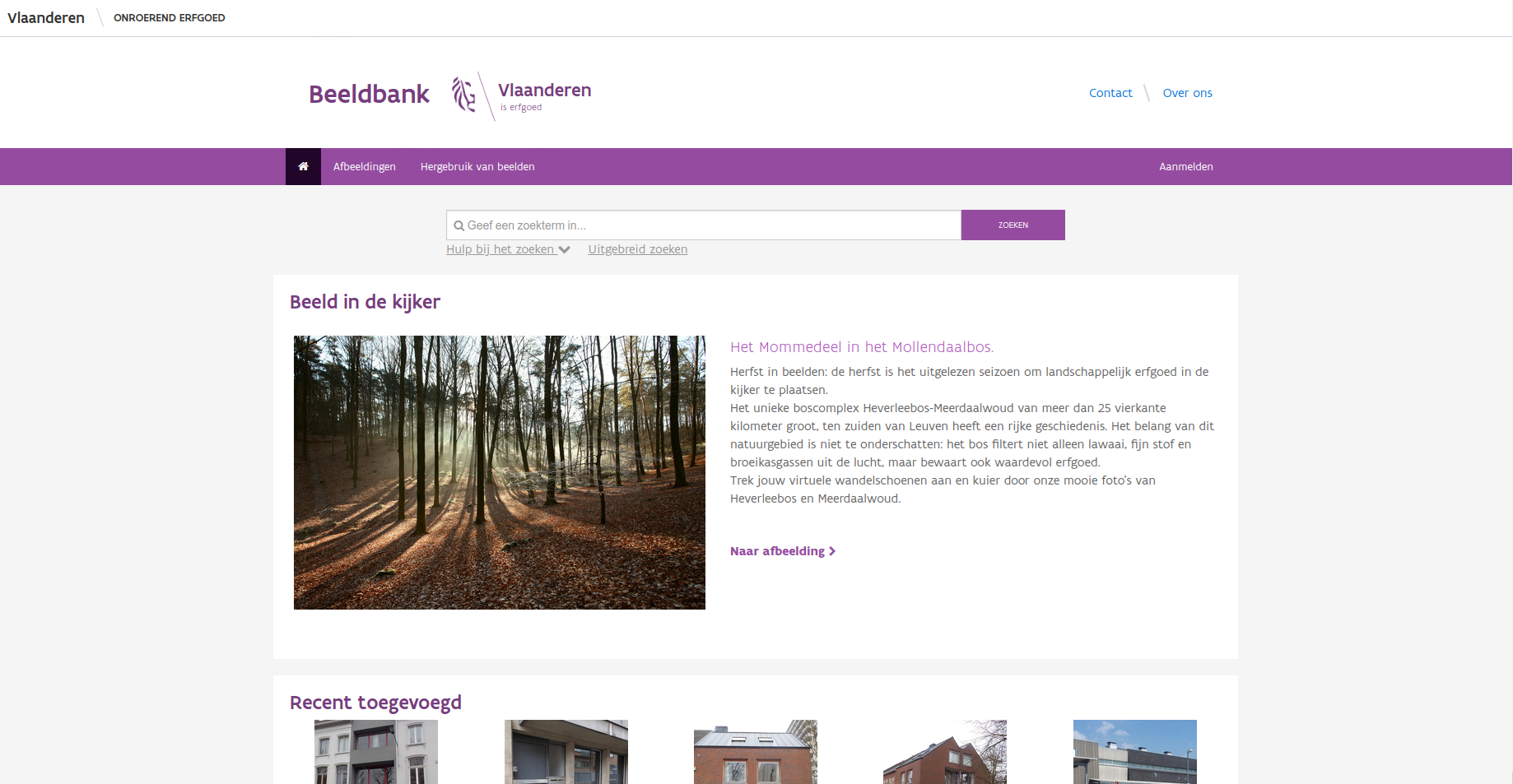
The image database homepage
On the image database's homepage, a simple search bar at the top lets you search on one or more terms, like any typical search engine. Search for Knokkestraat, for instance, and you get 18 results sorted by relevance — just like the inventory (Full-text search in the inventory), the most "Knokkestraat-like" result comes first: a set of images of houses on Knokkestraat in Knokke-Heist, where the street name appears both in the title and the address. Next come images from Knokkestraat in Diksmuide, Zwevegem and Wachtebeke, where the name is in the title but not the address.
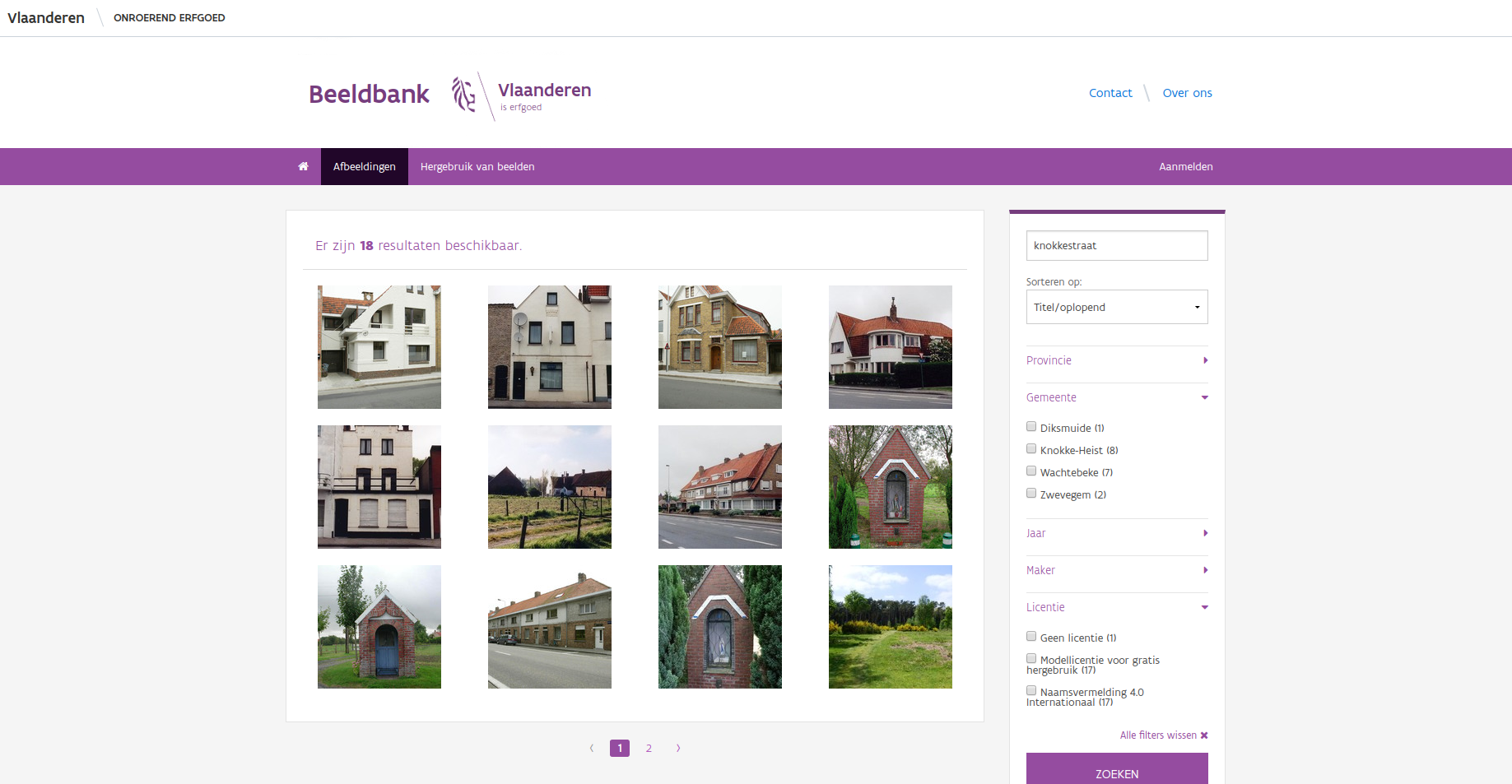
Images matching the search term "knokkestraat", with a few facets
On this results page you can refine using facets: filters on the dataset such as Province, Municipality, Year, Creator and License. Each facet shows every possible value along with a count — so you can see at a glance there are 8 images from Knokke-Heist and just 1 from Diksmuide. The License facet shows the terms under which an image may be reused.
The free-text field supports the same full-text search operators as the inventory:
- Multiple terms are implicitly combined with AND:
molen knokkeis the same asmolen & knokke. - Use
|for OR:molen | knokke. - Use
-right before a term for NOT:molen -knokke. - Treat multiple words as one term with quotes: search
van daeleand you get 7 images containing bothvananddaele, but search"van daele"and you only get images by the photographer of that name. - Use a postfix wildcard
*to search part of a word (only at the end):roze*matchesrozendale,rozeveldstraatandrozebeekstraatalike. - Use parentheses
()to group operators:dorp* (knokke-heist | brugge)finds images with a term starting withdorp, combined with eitherknokke-heistorbrugge.
Keep in mind the general search field matches words, which can refer to "a municipality" just as easily as something else — searching brugge* finds both images of bridges (bruggen) and images from the municipality of Bruges (Brugge). Our search engine ranks results by relevance by default: an image where a term appears more often ranks higher, and certain fields (title, location, description) weigh more than others. If you'd rather not have that, change the Sort by field on the results page to title or capture date.
Full-text search combines cleanly with facets: search brugge* and tick the year 2019, and you'll see every 2019 image with a term starting with brugge.
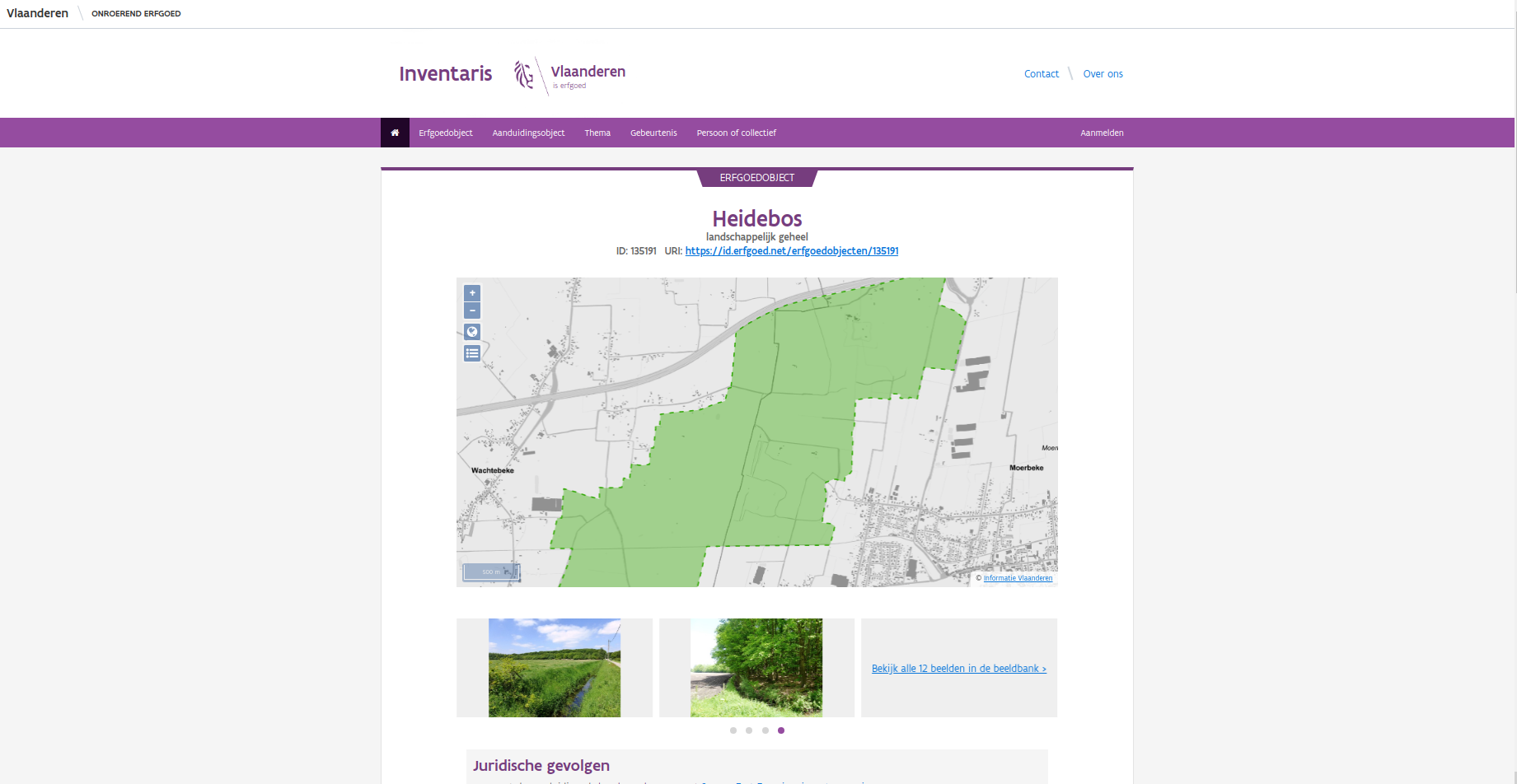
A heritage object in the immovable heritage inventory, with links to the image database
Besides the search form, there are other ways to find images. Most images are linked to the immovable heritage inventory: look up a heritage object there and you'll see a selection of images, with a link to view all of them.
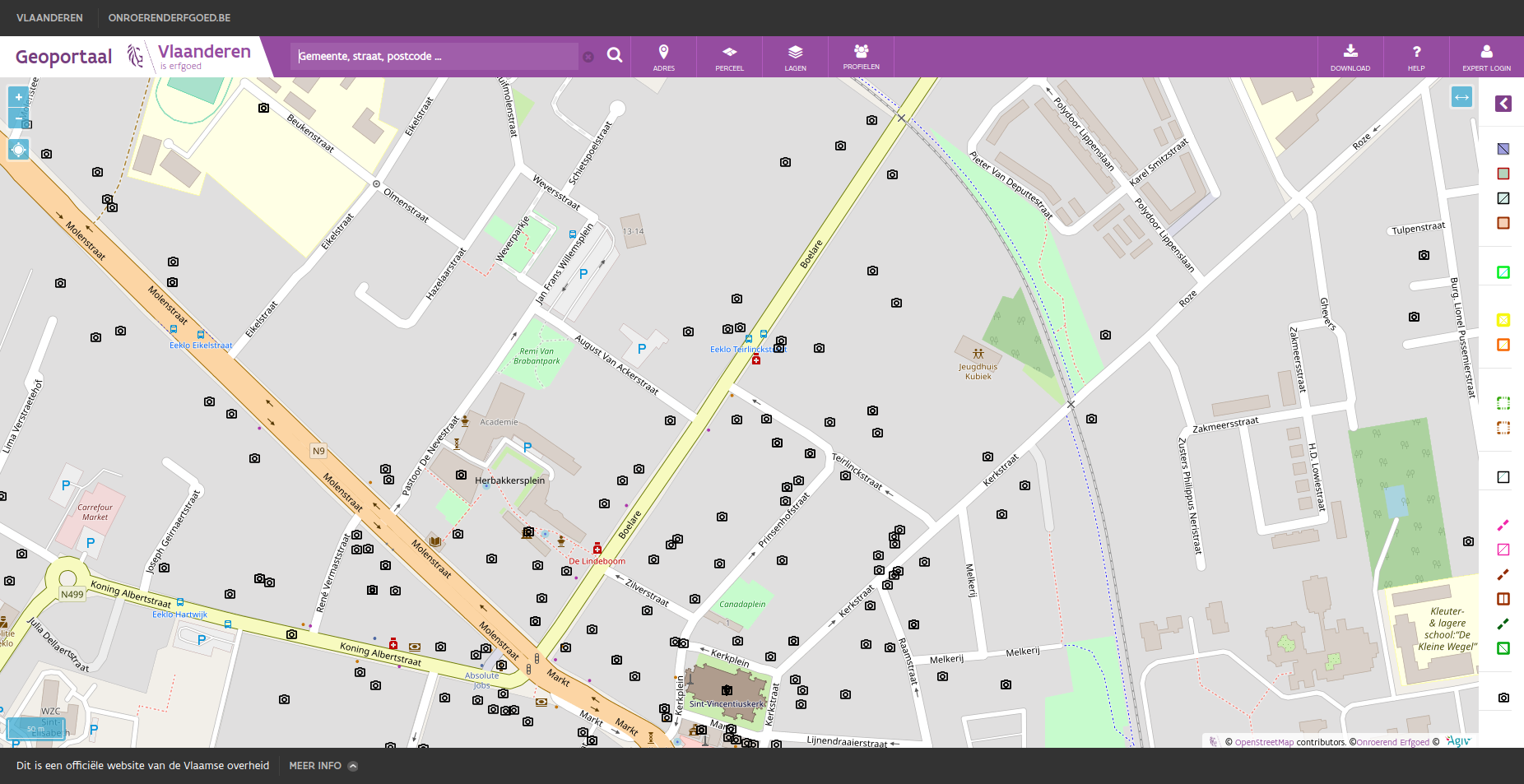
Viewing image database images on the geoportal
You can also use our geoportal, which has an optional Beeldbank layer (off by default, toggle it under Layers). Once enabled, camera icons appear once you're zoomed in far enough; click one to see all images at that location. This layer can also be downloaded and integrated into your own GIS workflow — the attribute table includes a download link for every available format.
So there are several ways to find images in our image database. Just remember to respect the license terms and credit everyone appropriately for their work. Questions or suggestions are welcome at ict@onroerenderfgoed.be.